
Download LSMaker – lightsaber effects, video editing, Star Wars, custom lightsabers, Jedi battles, lightsaber duels, video enhancement, AVI format, anti-aliasing, creative editing
Overview
LSMaker is a niche yet imaginative video editing application tailored for fans of the Star Wars universe. Designed to enhance personal video content with dynamic lightsaber effects, the app enables users to insert custom-colored lightsabers into their footage, transforming ordinary clips into epic Jedi battles. This creative tool serves as a unique bridge between fan enthusiasm and digital expression, allowing individuals to craft personalized Star Wars experiences directly from their smartphones. The app is especially suited for hobbyists, content creators, and Star Wars enthusiasts seeking to add cinematic flair to their videos without requiring advanced editing skills.
Although the developer did not provide additional technical details about the app’s development history, its release date in 2008 suggests it has been in the market for over a decade, indicating a level of stability and user engagement. The target audience includes both casual users and those interested in creative video production, particularly within the context of fan-made content. Real-world use cases include enhancing home videos with lightsaber effects, creating short fan films, or producing engaging social media content for Star Wars communities. In the broader app ecosystem, LSMaker fills a specialized gap by offering a focused, theme-based editing experience that stands apart from general-purpose video tools.
Key Features & Functionality
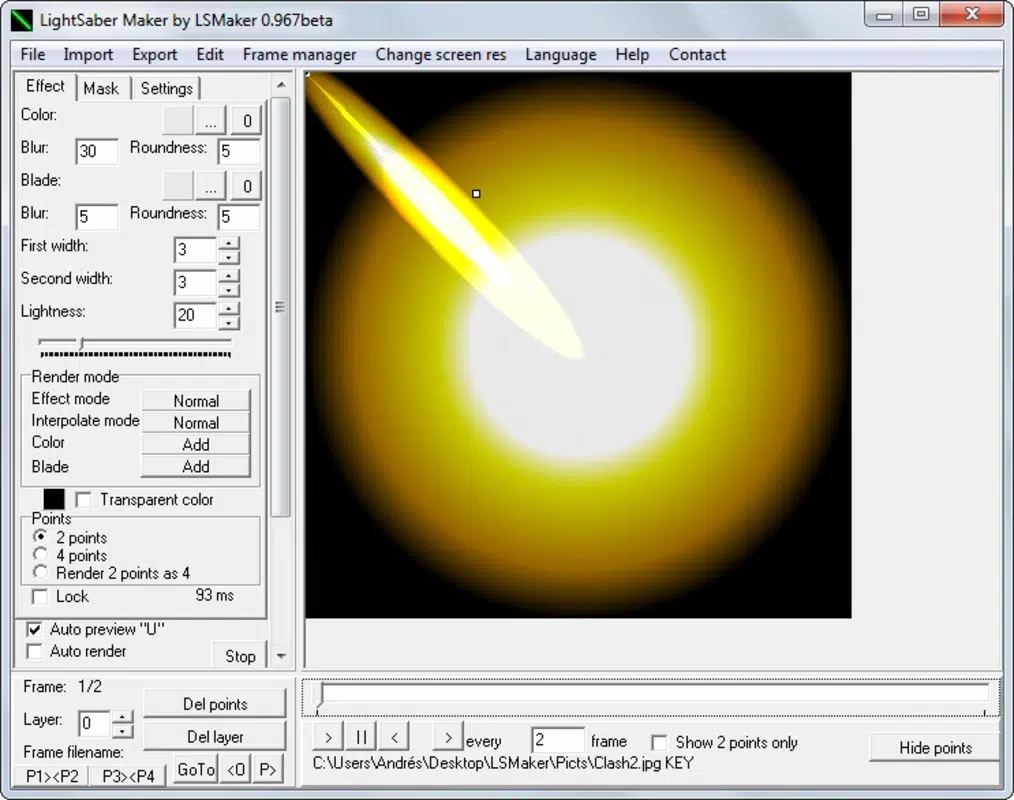
- Custom Lightsaber Colors: Users can apply lightsabers in any color, allowing for creative customization that mirrors iconic characters or unique personal designs. This feature enables the creation of distinct visual identities for each Jedi or Sith in a battle sequence.
- User-Friendly Editing Tools: The interface is structured to be accessible, with intuitive navigation that supports basic editing functions. While achieving optimal results may require patience and careful alignment, the workflow remains approachable for beginners.
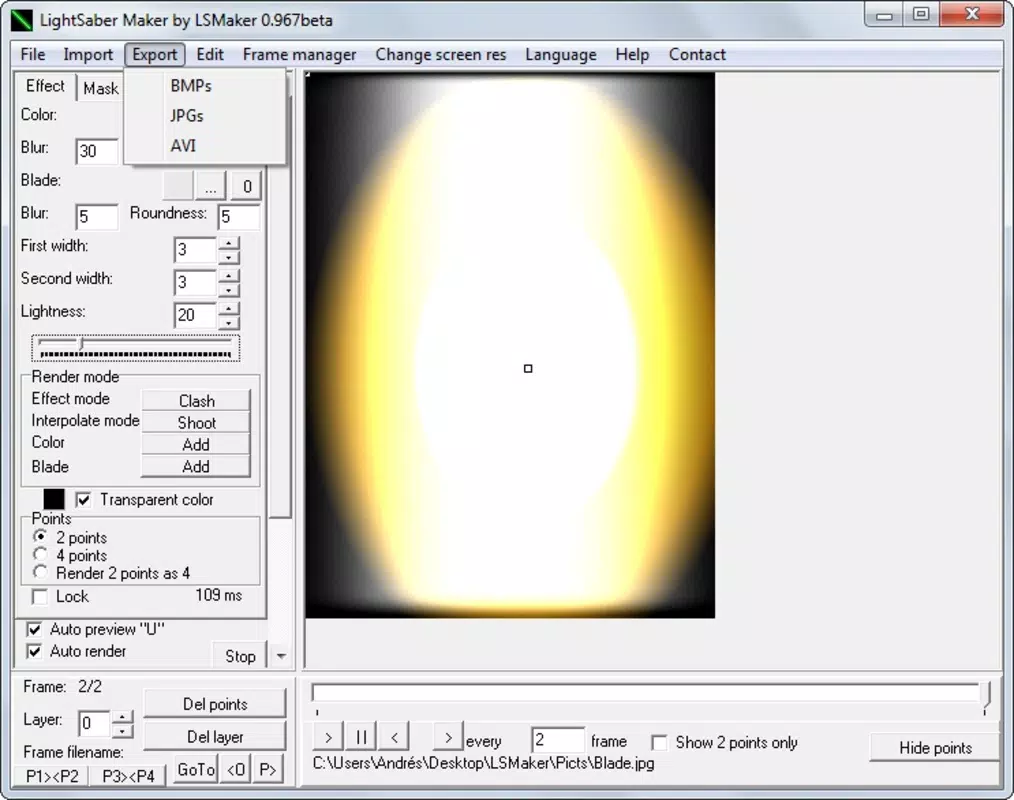
- Save in AVI Format: Videos can be exported in AVI, a widely supported format, ensuring compatibility across various devices and platforms. This enhances the app’s utility for sharing and archiving edited content.
- Quality Enhancement Effects: Features such as anti-aliasing are integrated to smooth jagged edges and improve overall visual clarity. These enhancements contribute to a more polished and professional-looking final product.
- Fun for All Ages: The app’s playful nature makes it appealing to fans of all age groups. It encourages creative expression while maintaining a strong connection to the Star Wars franchise.
For example, a user might take a video of a park walk and insert a glowing blue lightsaber to simulate a Jedi’s journey. Another might record a dueling sequence with friends and use different colors to represent opposing characters. The combination of customization and accessibility makes LSMaker a versatile tool for storytelling and fan engagement.
Interface, UX & Performance
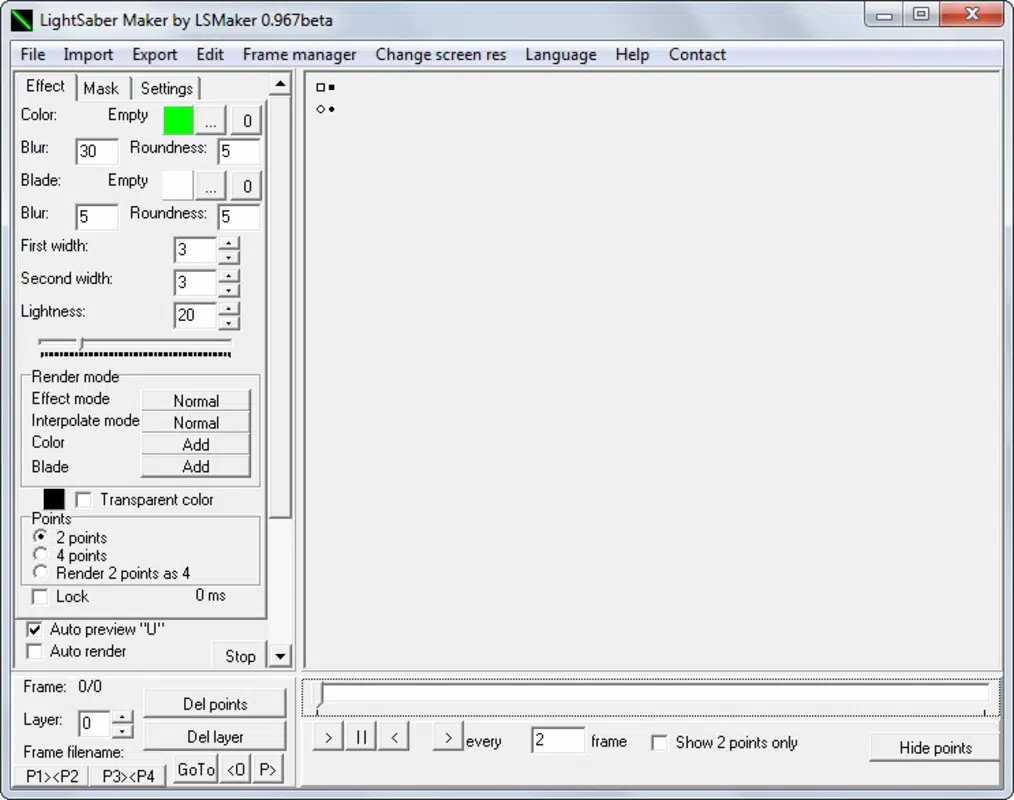
LSMaker features a clean, minimalist interface that prioritizes functionality over visual complexity. The layout is organized around core editing tasks, with color selection, alignment tools, and export options clearly labeled. Navigation is straightforward, allowing users to move between steps without confusion. The app’s responsiveness appears consistent across different device categories, although specific performance metrics were not provided by the developer.
Although the developer did not list formal performance metrics, the app’s ability to handle video processing and effects like anti-aliasing suggests a stable operation under standard conditions. Users can expect smooth transitions between editing stages, with minimal lag during playback or preview. The app maintains stability during extended sessions, though the need for patience in aligning lightsabers indicates a manual, detail-oriented process.
Given its age and lightweight size of 15.2 MB, LSMaker likely operates efficiently on older Android devices. However, compatibility with modern hardware and software versions was not fully disclosed. Users may encounter limitations when using the app on newer OS versions, but the core functionality remains intact for basic editing tasks.
Platform Compatibility & Technical Requirements
LSMaker is available exclusively on the Android platform, making it accessible to users of compatible devices. The current version is 1.0.2, with a file size of 15.2 MB, indicating a lightweight installation that does not consume significant storage space. The app is offered at no cost, aligning with a free-to-use model that supports broad accessibility.
The developer did not specify minimum OS requirements or device compatibility details. As a result, users are advised to test the app on their devices to confirm functionality. While the app’s age may pose challenges on newer Android versions, its continued availability suggests ongoing support or community maintenance. No information was provided regarding background processes, permissions, or data collection practices.
Pros and Cons
Pros
- Unique theme-focused video editing tailored for Star Wars fans.
- Supports custom lightsaber colors for personalized creative expression.
- Exports videos in AVI format for wide compatibility.
- Includes quality enhancement features like anti-aliasing.
- Free to download and use, with no in-app purchases.
Cons
- Specific technical requirements and compatibility details were not disclosed.
- Editing process may require patience and manual alignment.
- No information provided about updates or long-term support.
- Interface may appear dated compared to modern apps.
- Limited to Android platform, excluding iOS users.
FAQ
Is LSMaker safe to download and use?
Yes, the app is free and available through official channels. As a long-standing tool, it has not been flagged for malicious behavior. However, users should always download from trusted sources to ensure security.
Can I use LSMaker on iOS devices?
No, the app is currently available only on Android. There is no official iOS version available at this time.
Does LSMaker require an internet connection?
No, the app functions entirely offline. All editing and export processes occur locally on the device.
How do I update LSMaker?
Updates are not publicly tracked, but users should check their app store for new versions. The developer has not provided a dedicated update channel.
What video formats does LSMaker support?
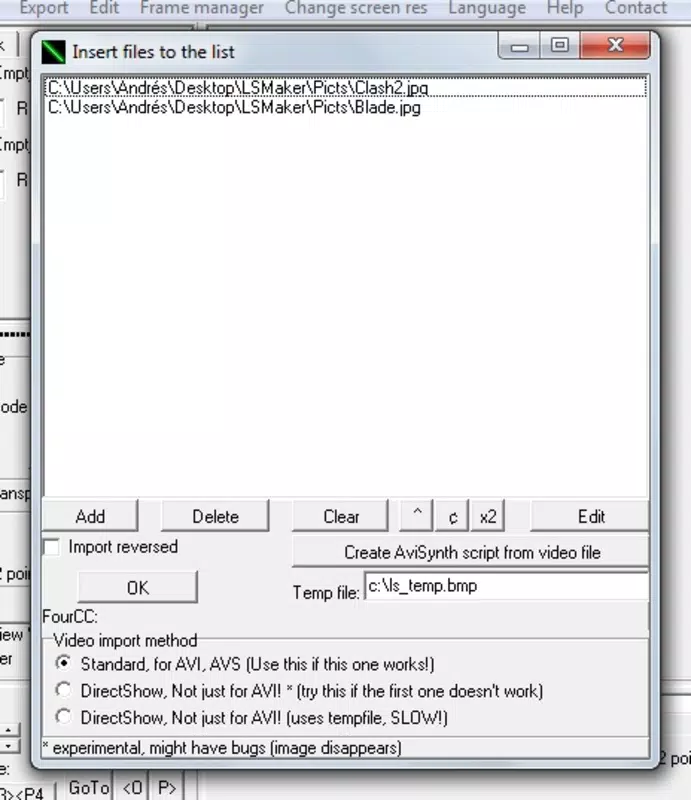
LSMaker accepts input videos in standard formats and exports in AVI format. Specific input format details were not listed.
Final Thoughts
LSMaker stands out as a creative and nostalgic tool for Star Wars fans who enjoy hands-on video editing. Its focus on lightsaber effects, combined with customizable colors and quality enhancements, offers a unique way to bring fan-made battles to life. While the interface may feel dated and the process requires attention to detail, the app remains functional and enjoyable for its intended audience. It is particularly valuable for hobbyists, educators, and content creators looking to produce themed videos with minimal overhead.
Despite its age, LSMaker continues to serve a dedicated niche with a clear purpose. The free model and lightweight design make it accessible to a broad user base. For those seeking a fun, themed editing experience with a touch of Star Wars magic, this app delivers on its promise.
Download LSMaker now


